Today I will show you how to save Youtube Videos in Your Gallery. Its very simple trick.Many Peoples Wants to Save the Youtube Videos in thei Gallery. You can collect that videos in Gallery. You know about Save Offline Video but that video is not shoes in Your Gallery that will show only in your youtube app at Offline Videos. But use this trick and save your videos directly into Gallery. This trick will work 100% for you. So Let's Start.
Follow this All Steps For Saving Your Youtube Videos in Gallery
1.Go to Youtube Video that you want to Save. And Click on "Share Link"
2.Then Click on "Copy Link"
3.Then Go to Your Browser and Type in Url box "savefrom.net" and Go to that Website
4.Then this Page will open then Select which Video Quality want to Download and Then Click on Right Side Blue Icon
6.Then Select the Quality that You want for your Video.I suggest you to Select MP4. So click on that
5.Then Your Download will Start Automatically.
Enjoy!Use this Trick for that videos you want to save in your video gallery.If you face any problem then you can comment down below
Today I will show you how to Boost Your Internet Speed on Android.Many Peoples have same problem that how I can boost my internet speed.So Today I will give you sollution.This trick will work 100%. I am fully sure about this trick I had tried this trick myself on my Android and it's worked. My Internet Speed has boosted upto 3 MBPS. So READ THIS POST TILL LAST AND BOOST YOUR INTERNET SPEED. First I want to tell you that Speed that Your Network Company Provide. But this trick helps you to catch the maximum Internet Speed Given by Your Company.So If you are using 2G Network then You will get High Speed at 2G. This is same abput 3G and 4G. This will work on 2G, 3G, 4G.So Let's Start.
We all know that mobile phone has become an extension of ourselves, the battery has become a major concern for users. For this reason, the brands strive to manufacture lighter and more powerful batteries. But, recently, researchers found an extraordinary tech that can charge your smartphone in seconds.
This New Tech Can Charge Your Smartphone In Seconds
Since the mobile phone has become an extension of ourselves, the battery has become a major concern for users. For this reason, the brands strive to manufacture lighter and more powerful batteries, as well as equip them with fast charging technology to reduce the charging time.
To speed up the loading process, some researchers have focused on the development of supercapacitors, a type of electrochemical device characterized by its high energy density.
It stands out for having interesting qualities, such as high efficiency, long operating cycles or wide ranges of temperature and voltage, among others. They are mainly used to power microelectronic systems, computer memories, precision cameras, clocks or hybrid cars.
Thanks to these features, supercapacitors are postulated as an alternative to replace conventional batteries, as they promise to charge smartphones and other electronic devices in seconds or minutes, rather than hours.
However, current technologies are often not flexible and in most cases, their performance degrades at high speed, which is why their use has not been extended to mobile phones.
Now, a team of scientists at Queen Mary University of London (UK) has found a formula to optimize supercapacitors. To do this, they have developed a prototype polymer electrode that interlocks the nanostructures similarly to the red and white bands of a candy cane. The result reaches an energy storage close to the theoretical limit while demonstrating flexibility and resistance to the charge/discharge cycle.
�This interpenetrating structure allows the material to bend more easily, in addition to swelling and shrinking without cracking, which leads to greater longevity,� explains Stoyan Smoukov, project leader.
Researchers are currently designing and evaluating a range of materials that can adapt to this new structure of interpenetrating polymers and will continue to work so that in the near future the supercapacitors can be used to charge the mobile in seconds.
So, what do you think about this new research and supercapacitors? Simply share your views and thoughts in the comment section below
Some people can�t afford iPhones due to its hefty price tag. We are going to share some very useful applications that will transform your Android into iOS. Therefore, go through the post to discover the apps.
Everyone is insane about iOS because the user interface is simply astounding so everyone craves it. So, don�t worry today I�m discussing how to make Android look like an iPhone. Some people can�t afford iPhones due to its hefty price tag. So, as everybody acknowledges that Android is becoming popular day by day due to its customization.
So, if you are the Android user who wants to install iOS on Android and convert Android into iOS 8. We are not going to post system files configurations to reconstruct Android into iOS. I am simply crumbling to tell you the best apps, launchers to convert you smart Android into iOS.
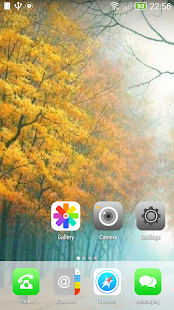
One Launcher is one of the easy-to-use launcher, The good part of this launcher is it doesn�t make any heating issue with your Android smartphone, unlike other launchers. It doesn�t come with the tag of iOS launcher but somehow it manages to look almost exactly like iOS.
Key Features:
Smooth scrolling
Delicate animations
Long touch on an icon let you edit icons
Short touch on an icon in editing mode displays individual customization menu
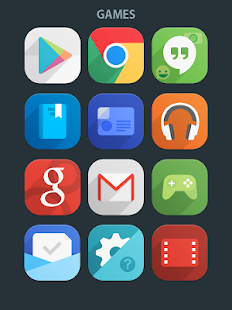
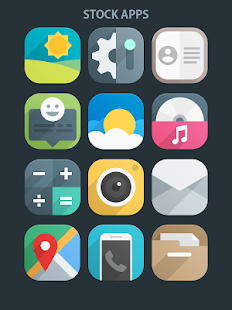
Unlike its name, it comes with some extraordinary icons which consist of more than 800 icons in its stores. The icons are somehow inspired by iOS that means it shares approximate same looking icons of iOS but it is redesigned to make them much more attractive than ever.
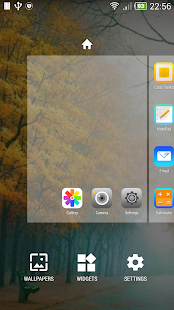
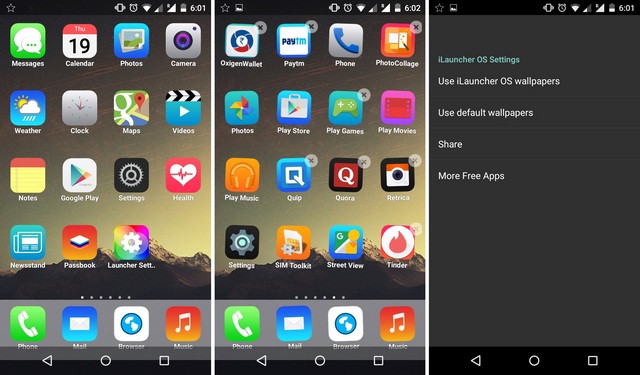
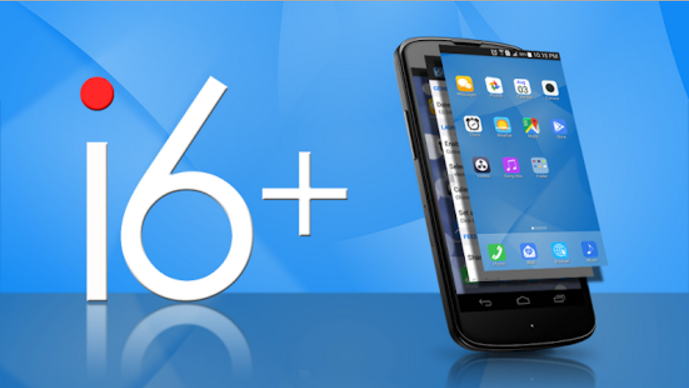
iLauncher is smooth, beautiful and it has everything that requires for being a top class launcher. It will make you feel your phone has become different and you are actually having a brand new phone. It shares iOS-like home screen with many customization options. It doesn�t cause any performance issue with your phone.
Key Features
Smooth scrolling
Delicate animations
Long touch on an icon let you edit icons
Short touch on an icon in editing mode displays individual customization menu
Launcher 8 pretty is not like another launcher out there who has lots of settings and interface, it comes with very limited features but one thing to highlight in this launcher is its iOS type home screen which will make you feel like operating an iPhone. Because of its limited features, it doesn�t cause any problem to your phone performance
Key Features
Unlike other launchers which are loaded with lots a visual eye-candies and hardly use features, Launcher 8 Pro provides the essential function and keep it simple.
Launcher 8 Free provides the new and awesome HD wallpaper to decorate your Minecraft screen.
Easy to use, smooth operation. Buttery smooth Screen Transition and sliding Effects.
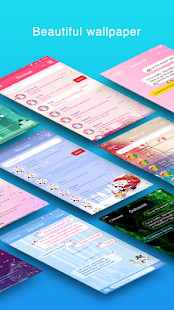
It is a new app and it will provide many gadgets if you install it on your Android smartphone. It comes with amazing built-in HD wallpapers which give an extraordinary colorful appearance that really put some WoW factor in your Android smartphone. As its name suggests, this is totally focused on iPhone so this provides the look of iPhone operating system. The settings are manageable and very easy to understand.
Key Features
Enable/disable custom status bar
Nice dancing icons
Built-in HD wallpapers including transparent wallpaper
Can set images from your phone�s gallery as wallpapers
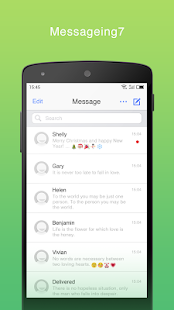
It is a flat style message app. Cool flat style UI. It is very simple to use. This is a messaging app which will make your messaging look like an iPhone. You can make your Android messaging look like iPhone by installing this app. This app lacks customization but it�s free to all users.
Features:
Cool Flat style UI.
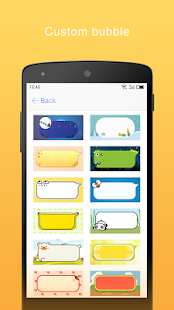
Custom bubble themes.
Support all emojis, send and receive emoji with your friend.
Custom font for conversation list, thread, popup message dialog.
Beautiful popup message dialog, support more pages popup dialog.
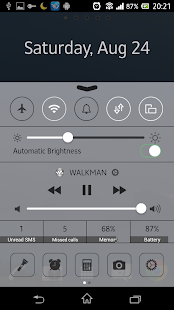
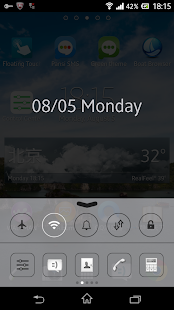
Control Center contain commonly used switches of Android system and all installed apps, you could quickly toggle your switch and open your favorite apps with the control center. One of the best feature included in iOS is a smart toggle and you can get the feature in Android OS with this app.
Features:
Simple OS 9 flat design
Support Toggle for almost all apps features
Support Different background color(gray and black)
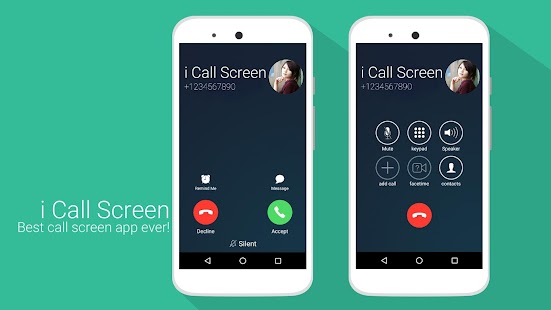
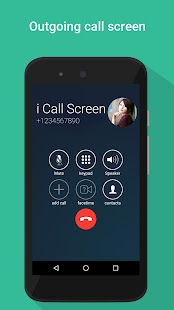
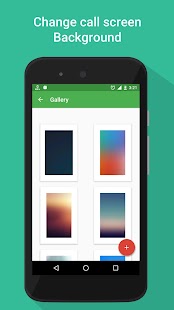
Get a cool full-screen Caller ID, dialer screen as similar to iOS 9 in iPhone 6 and iPhone 6S, now in your Android smartphones. Download i Call screen Free + Dialer app and enjoy the i call screen and iPhone 6S calling features..!! Receive and give a call in a similar manner you do in an iPhone.
Features:
Replace the old calling screen with the True HD pictures of i call app.
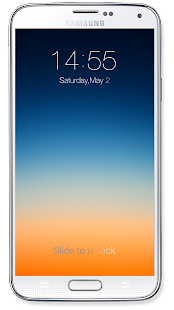
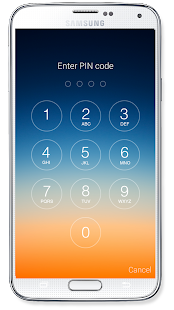
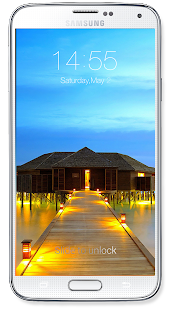
With OS8 Lock screen you can experience the iPhone 6 lock screen. You will get to see the exact look of iOS Lock screen like slide to unlock, edit slide text etc. Users will also get multiple iOS 8 HD wallpaper to choose from
Features:
Simulate the best iPhone6/iOS8 Lock screen;
Show Unread SMS/Missed Call counter on screen locker
Multiple iOS8 HD Wallpaper to choose, you can choose your own wallpaper from gallery too.
Set PIN with keypad lock to enhance screen lock security, block HOME/MENU/BACK key, no one can access your phone without a correct password.
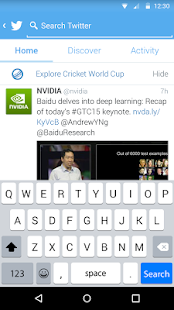
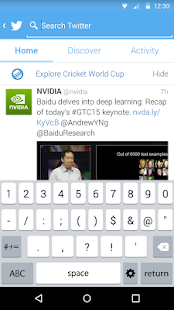
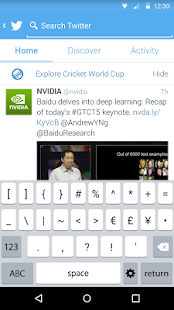
The Apple Keyboard is a cool, fast, smart keyboard for Android smartphones. It�s one of the best smart keyboards for Android for fast SMS, chat, text and email. You can even replace your stock keyboard with this one.
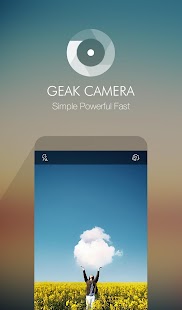
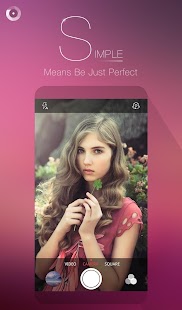
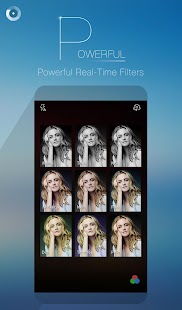
GEAK Camera is here! Based on the OpenGL technology, GEAK Camera provides you with the powerful Real-time Filters. A clean and easy interface allow you to take gorgeous photos anywhere and anytime. This app lets you experience iOS filters on your Android device too!
Features:
9 beautiful real-time filters appear at the same time, allowing you to choose the best one for your photos at the same time.
GEAK Camera is less than 1MB in size, even smaller than a photo!
3 kinds of shooting modes are currently available: Camera, video, and square.
Record videos fluently and easily. You can also shoot photos while taking a video.
#Using Clean UI (All In One)
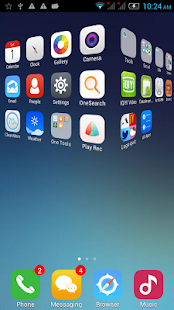
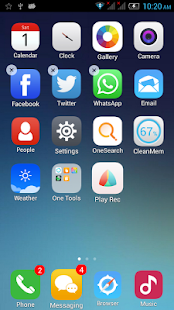
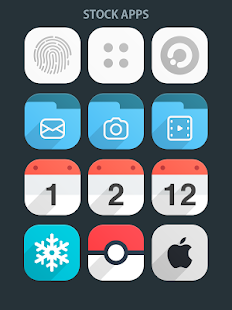
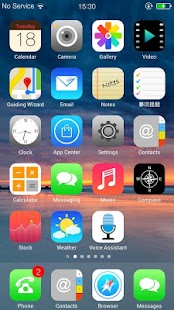
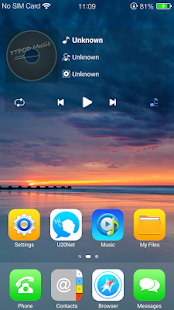
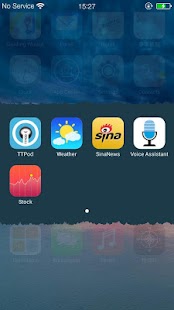
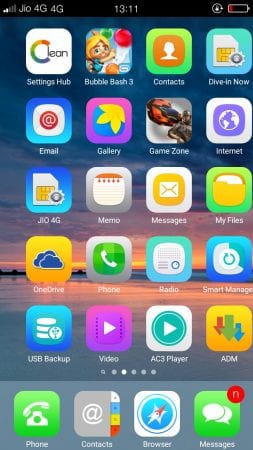
CleanUI provides the best flat-style system UIs for your Android devices. It provides not only the home screen (the launcher), but also the notification page, the lock screen, the control center, the contact and the dialer in flat-style.
Step 1. First of all, download and install Clean UI Launcher from Google Play Store and launch it.
Step 2. Once the launcher is activated, you will straighway see the iOS UI.
Using Clean UI
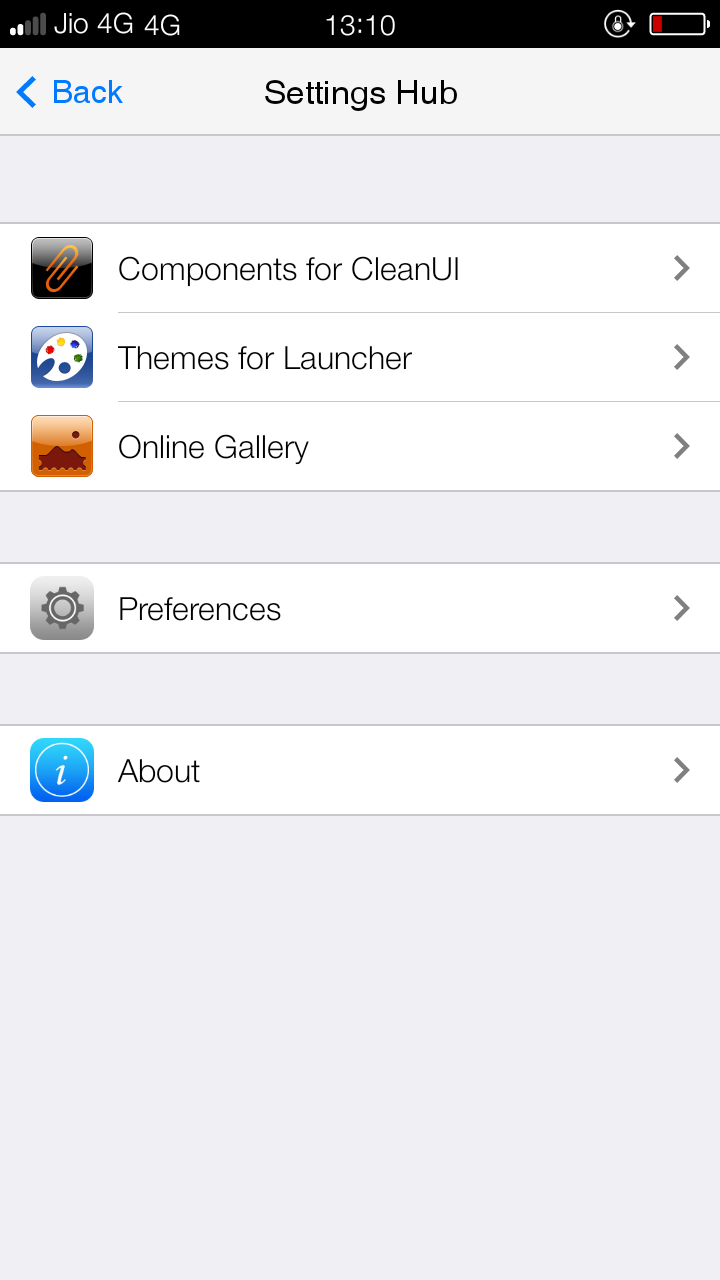
Step 3. Now search for the �Settings Hub� on your homescreen and open it and then select the option �Preferences�. Here you need to set everything as per your wish.
Using Clean UI
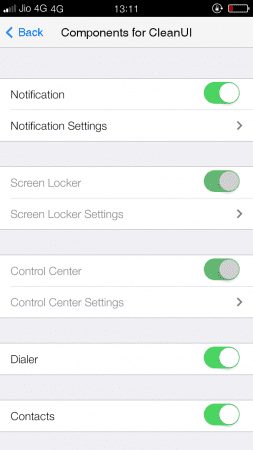
Step 4. Now go back, then select the option �Components for CleanUI�. Under this setting, you can optimize the look of your device and make it more like iOS.
Using Clean UI
That�s it, you are done! This is how you can use CleanUI to make your Android look like iPhone.
So above are the tips to How To Install iOS On Android. By using above-listed apps, you can transform your Android into an iOS operating device. I hope this helped you a lot. If you are facing any problem just comment it below.